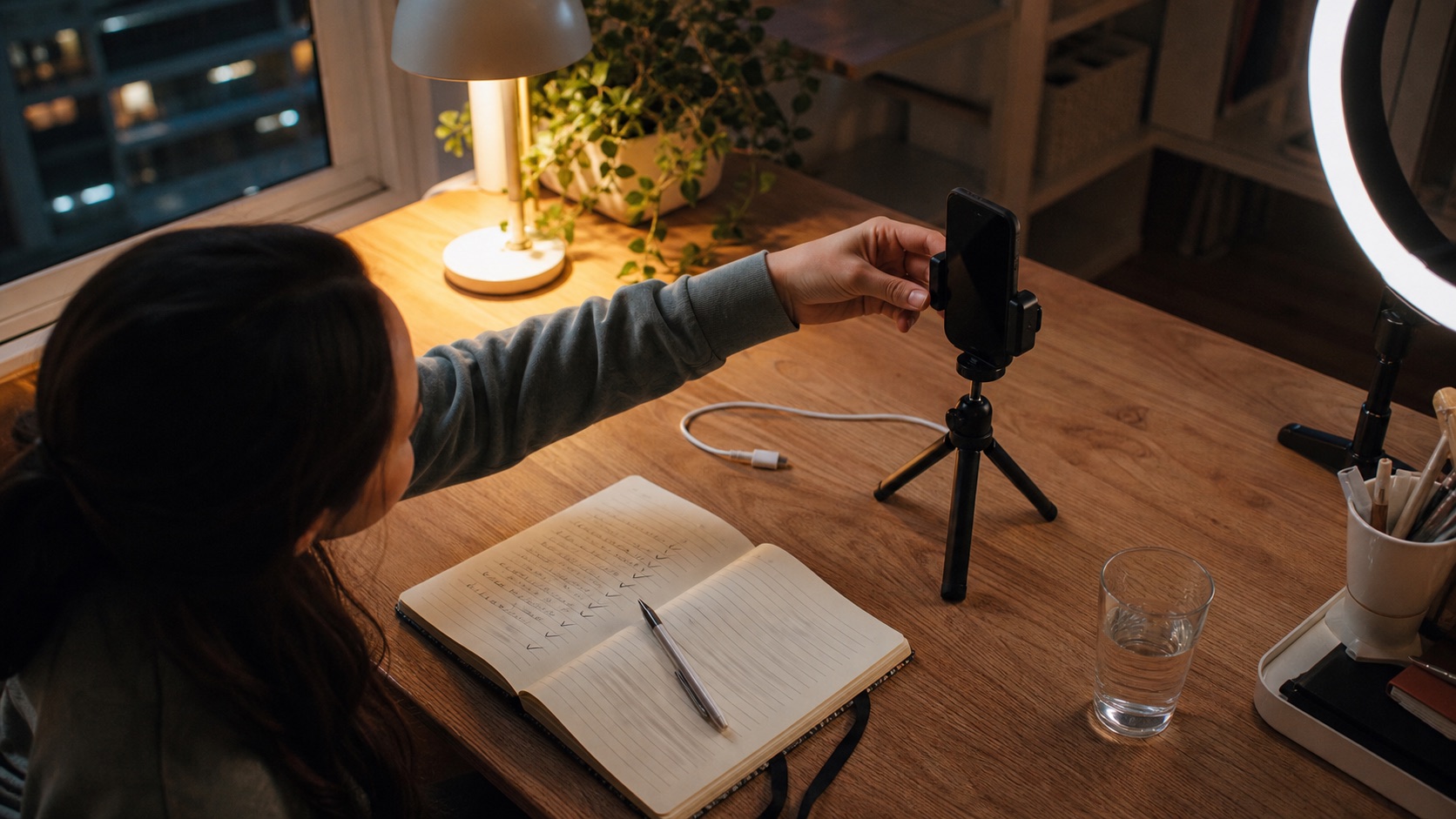
Before a TikTok LIVE, decide the stream's premise, write a title that matches it, set up one easy audience interaction, check your audio and light, prepare moderation, and choose the one thing you will review afterward.
There is a difference between being spontaneous and being unprepared. A good LIVE can still feel loose, personal, and real when the creator knows what the first beat is and what to do when the energy drops.
Minutes 0-3: Decide the moment.
Pick one sentence that explains why someone should stay now. It could be: a battle you are building toward, a story you are finishing, a challenge, a topic, a get-ready routine, a game, or a room decision.
A stream can evolve. It just needs to begin somewhere more specific than “I am live.”
Minutes 3-6: Write the title for the stranger.
The title should make sense to somebody who has never met you. Name the topic or the moment, not a vague mood. TikTok lets creators set a LIVE title and adjust settings before going LIVE, so use that little piece of context.
Do not promise what you cannot deliver. A title is an invitation, not a trick.
Minutes 6-9: Prepare one interaction loop.
Pick one question, vote, or choice you can return to as people arrive. Then write down two follow-up prompts so the room does not die after the first response.
This keeps you from asking “what are we all doing?” the second there is a quiet patch. The room already has something to do.
Minutes 9-12: Check what the camera is communicating.
Check light, sound, framing, battery, connection, and the background. The goal is simply that someone can see and hear you without friction.
TikTok's creator guidance consistently points creators toward high-quality content, engagement, and analytics. Those basics make it easier for your actual ideas to land.
Minutes 12-15: Protect the room and choose the review.
If the stream needs it, line up a trusted moderator, set comment filters, and decide what you will look at after: average watch time, new followers, comments, a battle moment, or one part where people left.
Then go LIVE. Preparation is useful only when it gets you into enough real streams to learn from them.
TikTok provides settings and tools for LIVE titles, safety, moderation, and analytics. This checklist turns those available tools into a short repeatable routine; it does not imply that any one setup guarantees reach or earnings.
If you want support around the work, Angelz is built for that.
Angelz is a TikTok LIVE creator growth agency with managers, campaigns, tournaments, Discord support, and people who know how LIVE money moves.